What SmartCSP offers
SmartCSP simplifies the process of implementing strong Content Security Policies by generating policies tailored to a website’s actual resource usage. It helps developers improve security while maintaining normal website functionality. By analyzing and optimizing CSP configurations, SmartCSP encourages the adoption of safer web security practices. The platform also provides clear insights and recommendations, making it easier for developers to understand and strengthen their website’s protection against common web-based attacks.
CSP Generation
Automatically generate policies based on real website resource usage.
Policy Testing
Test generated policies in a controlled environment to detect issues.
Policy Optimization
Remove unnecessary permissions while keeping the website functional.
PDF Report
Generates in-depth analytics about generated CSP.
Attacks Without CSP
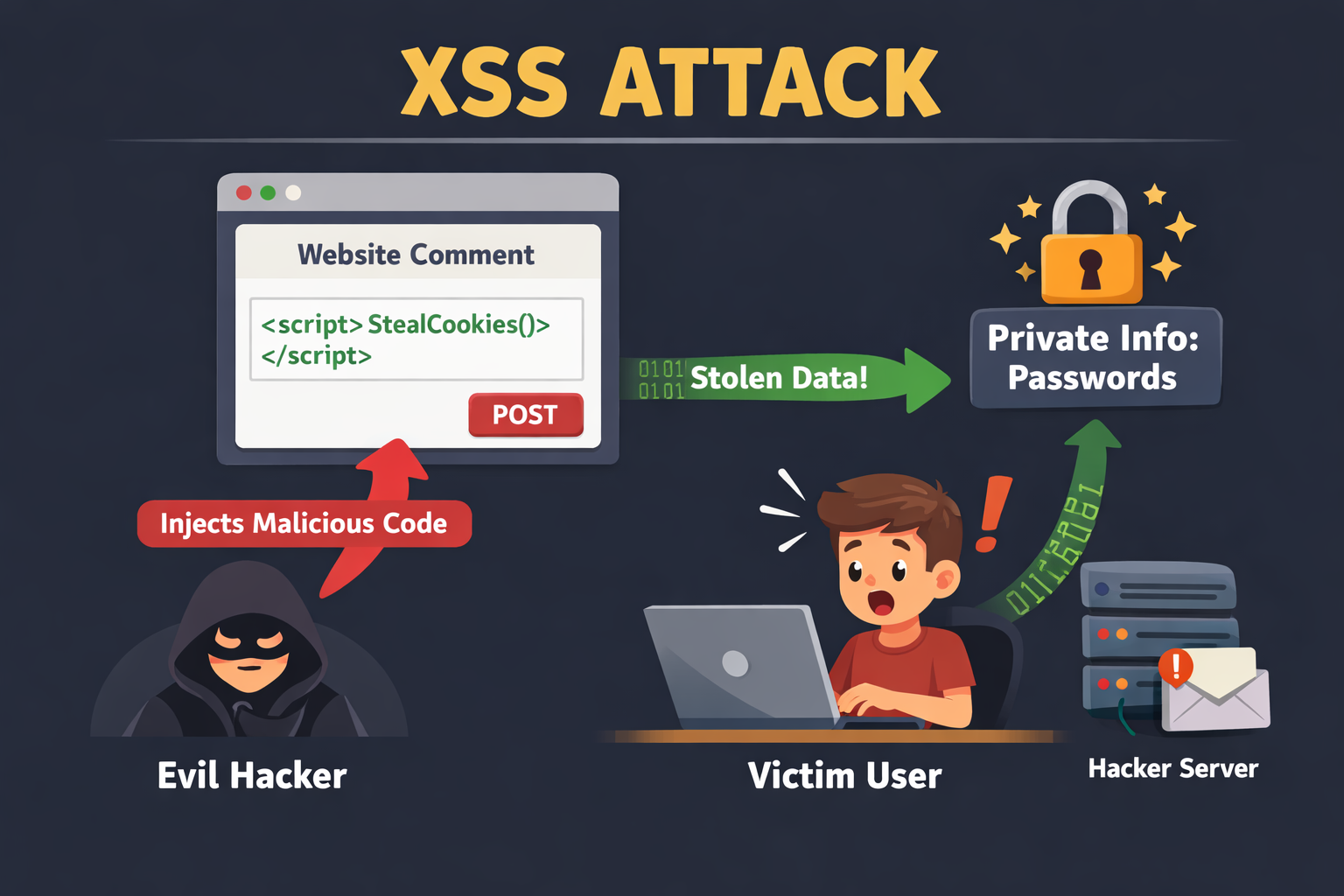
XSS Attack
Attackers inject malicious JavaScript into a webpage to steal cookies or user data.
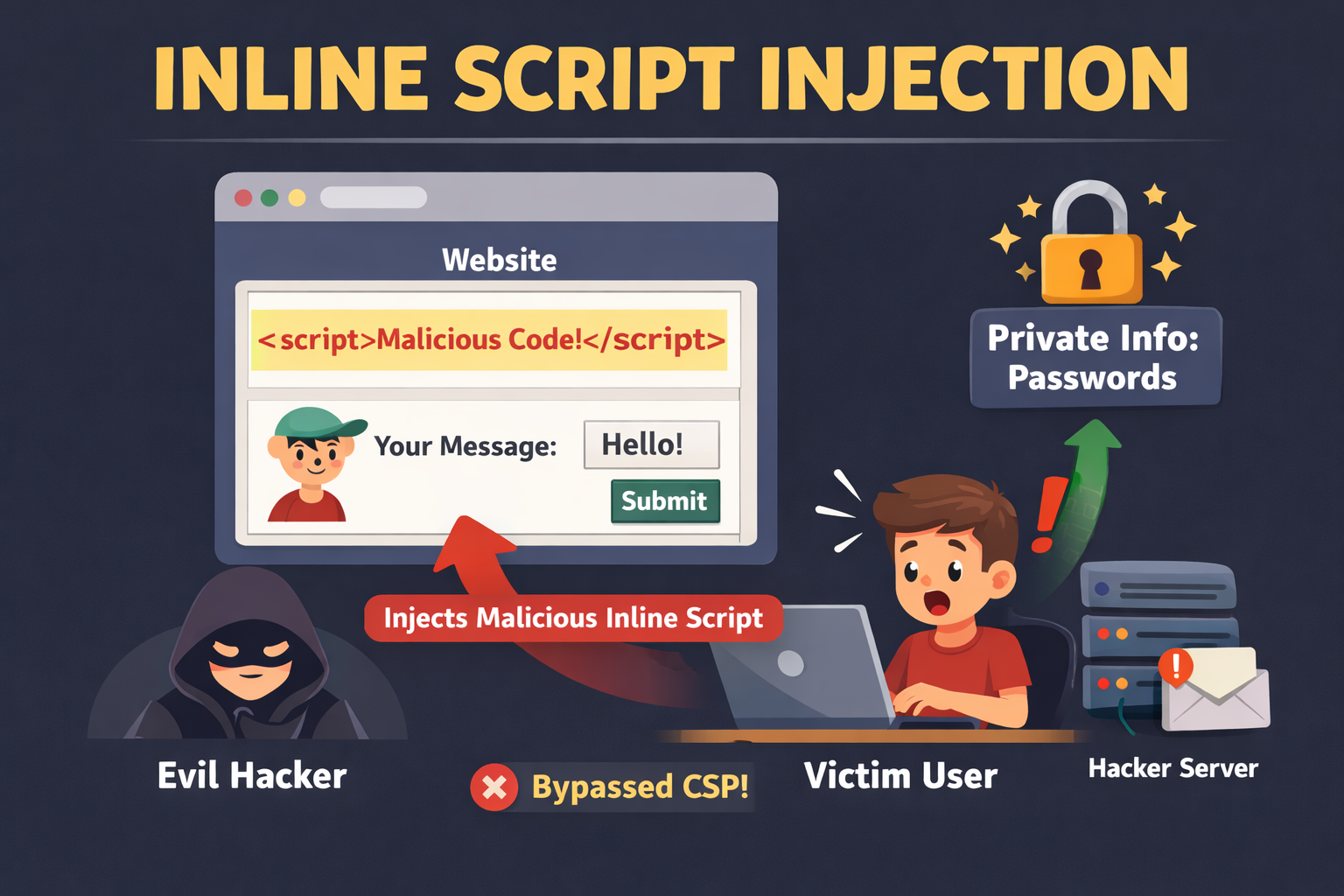
Inline Script Injection
Attackers insert malicious code directly into a web page's HTML or JavaScript context, often through inline <script> tags or HTML event attributes

Clickjacking
Attackers trick users into clicking on hidden or misleading elements to perform unintended actions.